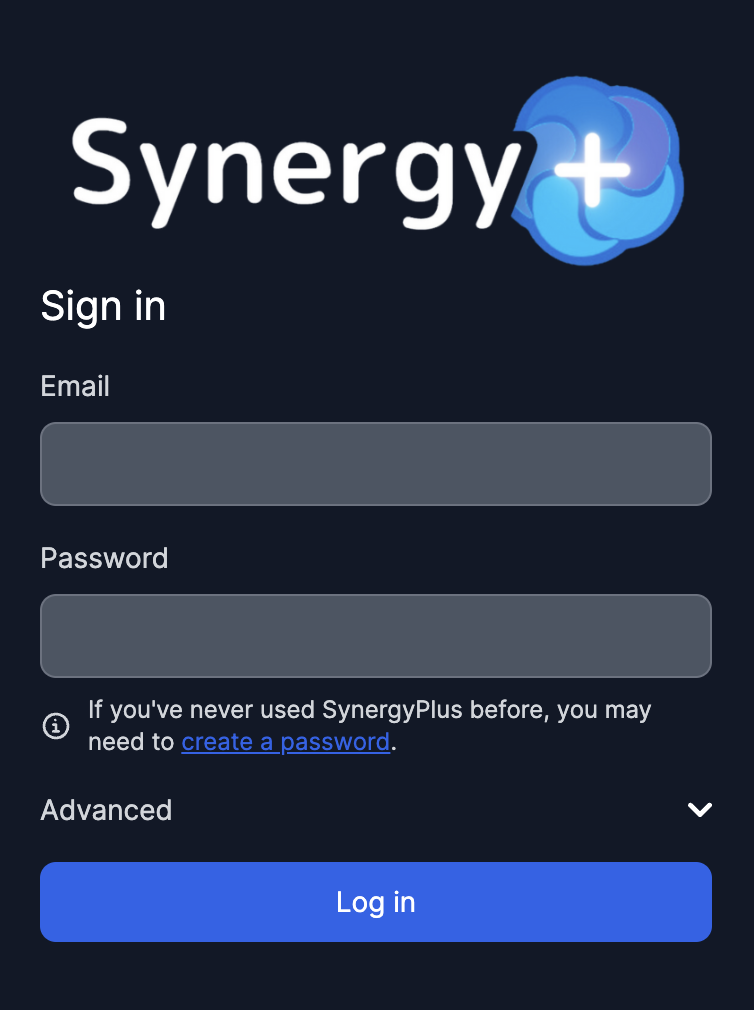
How to create an account
1. Set your Password
This will lead you to the Forgot Password site on StudentVUE, but it allows you to set up your password for SynergyPlus. This can be the same password as your StudentVUE Password.
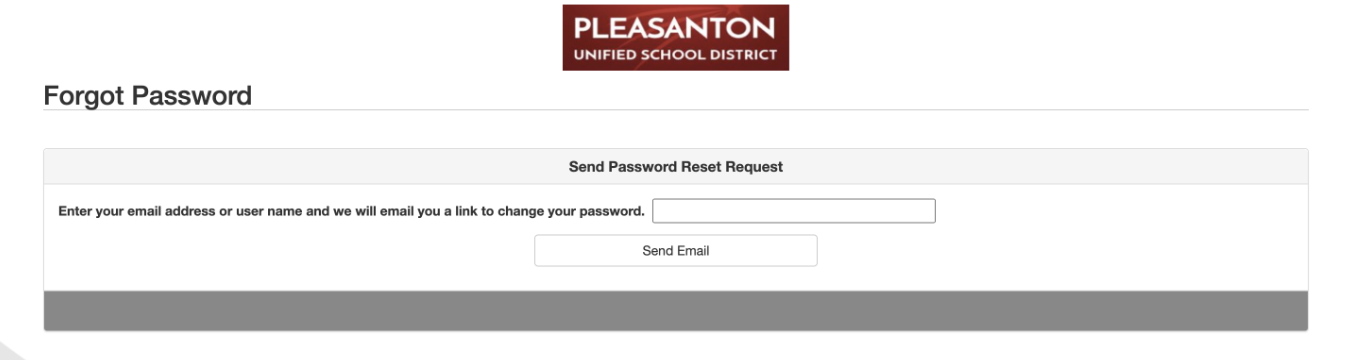
2. Check your email
After entering your email you should receive an email that will contain a link to set your password. (This may take a few minutes.)

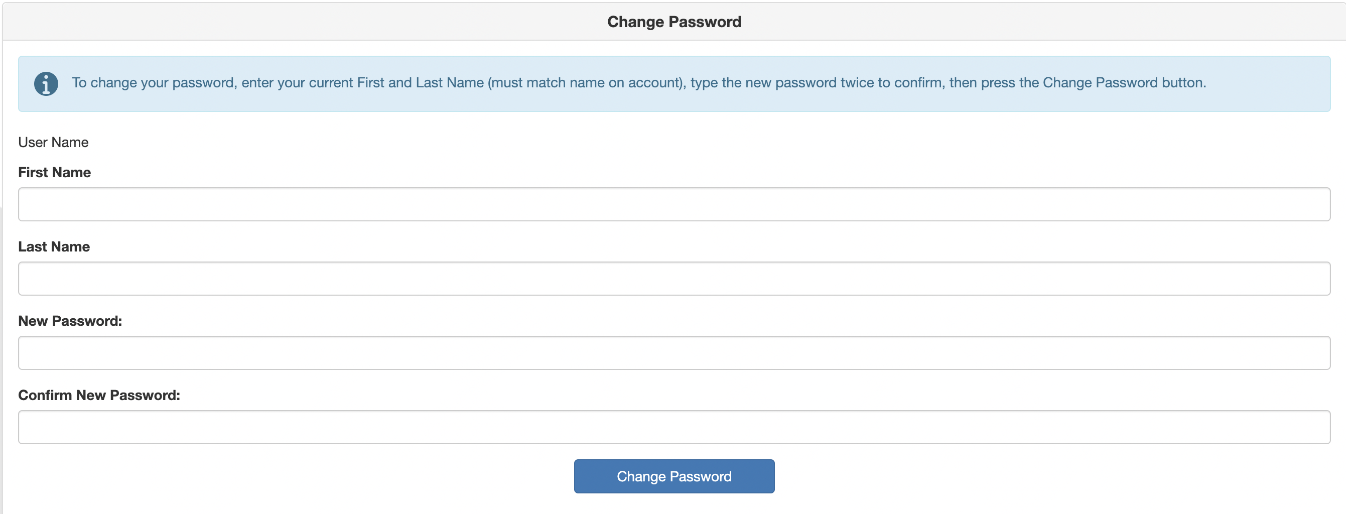
3. Set up your new password
You can now set up a text password alongside the default Google signin. This allows you to use Synergy+.
4. Log in to your account
You're in! You can now use Synergy+.